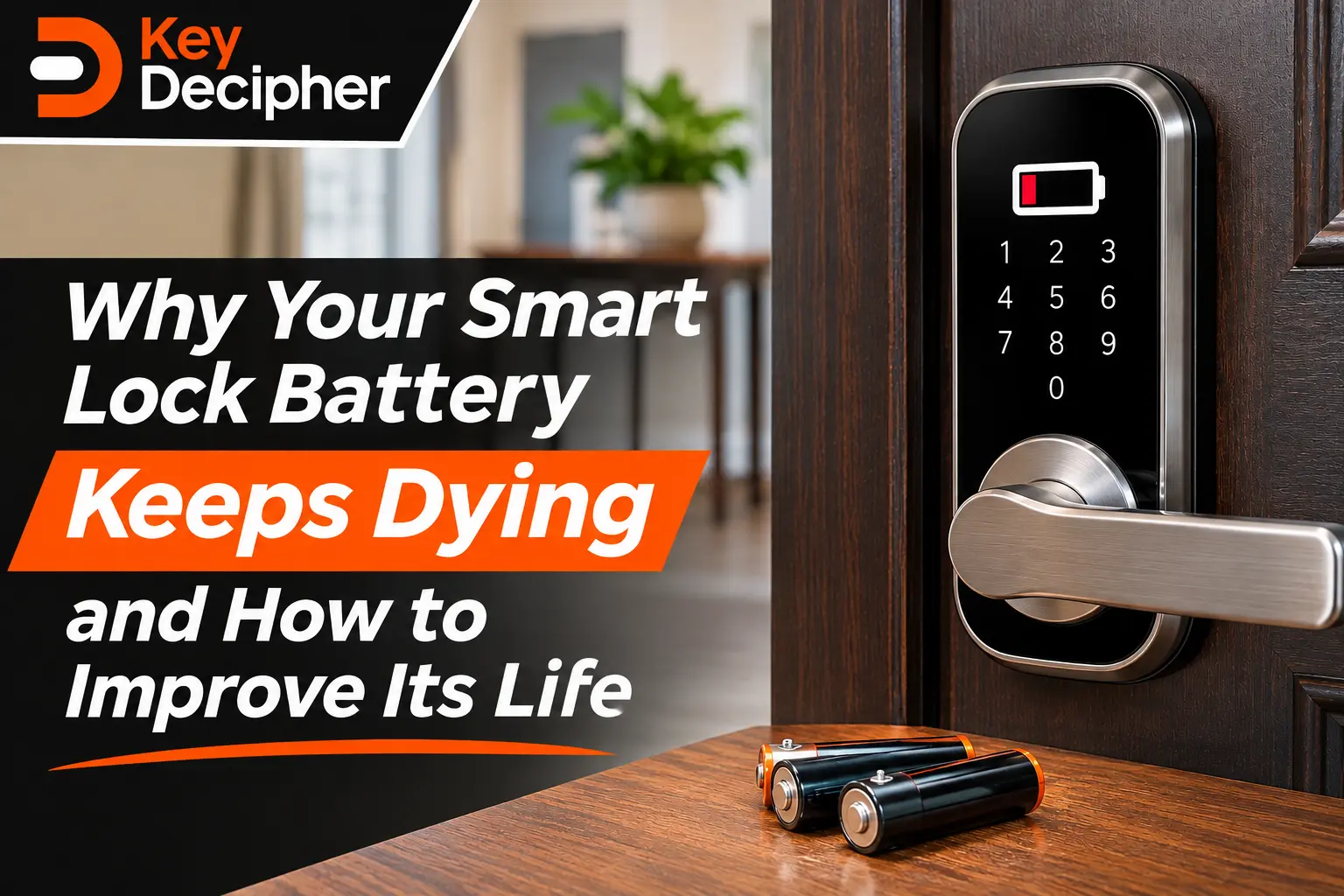
A smart lock makes home access more convenient, but frequent battery replacements can quickly become frustrating. If your keypad stops responding, the mobile app repeatedly sends low-battery alerts, or the lock loses power sooner than expected, something may be increasing its energy consumption.
A smart lock battery draining fast problem can have several causes. Weak wireless signals, frequent motor operation, incorrect door alignment, and unsuitable batteries can all affect performance. Identifying the reason helps prevent repeated battery replacements and keeps your electronic door lock operating reliably.
Why Do Smart Lock Batteries Drain So Quickly?
Smart locks use battery power for several functions beyond locking and unlocking the door. Their electronic systems operate keypads, sensors, wireless communication, automatic locking, and other features. Frequent activity or mechanical resistance can increase the power required to operate these components.
Common causes include:
- Weak wireless signals: Poor Wi-Fi or Bluetooth connectivity can make communication less efficient.
- Frequent locking cycles: Repeated motor operation increases battery consumption.
- Incorrect door alignment: A deadbolt that rubs against the strike plate requires additional motor effort.
- Excessive notifications: Frequent status updates and remote access requests can increase electronic activity.
- Damaged battery contacts: Corrosion or loose connections can interrupt consistent power delivery.
- Software problems: Outdated firmware or operating issues may affect the lock’s performance.
The impact of each factor depends on the lock model and its operating conditions. A sudden change in battery life may be more useful to investigate than the manufacturer’s advertised battery estimate alone.
How Connectivity and Smart Features Affect Battery Consumption
Wireless communication is one factor that separates smart locks from traditional mechanical deadbolts. Bluetooth models generally communicate over shorter distances, while Wi-Fi-enabled locks can support remote access and app-based controls.
However, a weak connection may cause repeated communication attempts. A lock installed far from its router or compatible smart home hub may therefore experience higher power consumption.
| Smart lock feature | Possible effect on battery life |
| Wi-Fi connectivity | Supports remote access but may increase power demand |
| Bluetooth communication | Uses power for communication with nearby devices |
| Automatic locking | Activates the motor according to the selected schedule |
| Activity notifications | Creates additional communication activity |
| Smart home integration | May increase communication between connected devices |
Review the features enabled in your lock’s app. Turn off unnecessary functions only when doing so will not affect the access and security features your household needs.
Practical Ways to Extend Smart Lock Battery Life
Small changes in battery selection, settings, and maintenance can improve operating performance. Start with the manufacturer’s recommendations instead of assuming every electronic deadbolt uses the same power source.
Choose compatible batteries. Use high-quality alkaline or lithium batteries only if the manufacturer approves that type. Different battery chemistries have different voltage characteristics, so an unsuitable replacement can affect operation.
Adjust automatic locking. Review the auto-lock timer and choose an interval that suits your household. An unnecessarily short setting may cause repeated locking cycles.
Improve wireless coverage. Check the connection between the lock, router, and smart home hub. Follow the manufacturer’s recommendations for compatible placement and connectivity.
Keep firmware updated. Check the manufacturer’s app for available firmware updates. Updates may address software problems affecting communication, battery reporting, or lock operation.
Inspect the battery compartment. Look for visible dirt, moisture, corrosion, or loose contacts. Follow the manufacturer’s maintenance instructions before cleaning or handling internal components.
Could Incorrect Door Alignment Be Draining the Battery?
A smart lock motor needs to move the deadbolt smoothly. When the bolt encounters resistance, the motor may require additional power to complete the locking cycle. Repeated strain can contribute to shorter battery life and mechanical wear.
Check how the door and deadbolt operate during normal use:
- Does the door close without needing extra pressure?
- Does the deadbolt move freely when the door is open?
- Does the bolt rub against the strike plate when the door is closed?
- Does the motor make unusual grinding or repeated sounds?
If the deadbolt moves freely with the door open but struggles when the door is closed, alignment may be contributing to the problem. The strike plate, door position, or lock installation may need adjustment.
Do not force the deadbolt or repeatedly operate a struggling motor. Have the alignment checked before continued use causes additional wear.
Smart Lock Battery Troubleshooting Steps
If your smart lock continues draining fresh batteries, work through these checks to narrow down the cause.
- Confirm the battery requirements: Check the manufacturer’s instructions for the correct battery type, quantity, and installation direction.
- Replace the complete battery set: Avoid mixing old and new batteries or combining different brands.
- Inspect the battery contacts: Look for corrosion, moisture, or damaged terminals.
- Review the lock settings: Check automatic locking schedules, wireless connections, and notification activity.
- Test the deadbolt movement: Observe whether the motor operates smoothly without resistance from the door frame.
- Monitor battery performance: Record the replacement date and watch how quickly the battery level changes during normal use.
If the battery drains quickly again, the issue may involve a failing motor, damaged contacts, or an electronic fault. Replacing batteries repeatedly without checking the lock will not resolve the underlying problem.
When Should You Consider Professional Smart Lock Service?
A smart lock that repeatedly loses power, struggles to move its deadbolt, or fails to recognize fresh batteries may need professional attention. Visible battery corrosion, inconsistent keypad operation, and recurring low-battery alerts also deserve investigation.
In Lauderdale Lakes, outdoor door locks should be suitable for their installation environment. Moisture exposure and temperature changes can affect equipment that is not designed for those conditions. Check the manufacturer’s environmental ratings and installation recommendations.
Key Decipher, LLC. can help homeowners evaluate smart lock performance, installation concerns, and electronic access problems. A proper assessment can determine whether the issue involves maintenance, alignment, or a component that needs repair.
Frequently Asked Questions
How long should smart lock batteries last?
Battery life varies by manufacturer, model, battery type, and usage. Frequent locking cycles, wireless communication, and mechanical resistance can shorten the replacement interval. Follow the manufacturer’s estimate and monitor the lock’s battery alerts.
Are lithium batteries better than alkaline batteries for smart locks?
Some models support lithium batteries, while others specify alkaline batteries. Lithium batteries may perform differently under certain temperature conditions, but compatibility matters more than choosing a battery based on general claims. Always follow the lock manufacturer’s specifications.
Can cold weather cause smart lock batteries to drain faster?
Low temperatures can reduce available battery performance. Outdoor locks may experience changes in battery output during colder conditions, depending on the battery chemistry and device design.
What happens if a smart lock battery dies completely?
The result depends on the model. Some locks provide a physical key, an external emergency power connection, or another backup entry method. Learn the manufacturer’s emergency access procedure before the battery becomes depleted.
Does Wi-Fi use more battery power than Bluetooth?
Wi-Fi connectivity can require more power than some Bluetooth communication systems, particularly when remote access is active. However, actual consumption depends on the lock’s design, signal quality, and operating features.
Final Thoughts: Keep Your Smart Lock Working Reliably
Frequent smart lock battery replacements may point to more than ordinary power consumption. Weak connectivity, unsuitable batteries, excessive motor activity, and poor door alignment can all contribute to shorter battery life.
Regular maintenance and correct installation help prevent unnecessary battery drain. If fresh batteries do not solve the problem, Key Decipher, LLC. can help identify whether the lock needs adjustment, maintenance, or professional repair.